
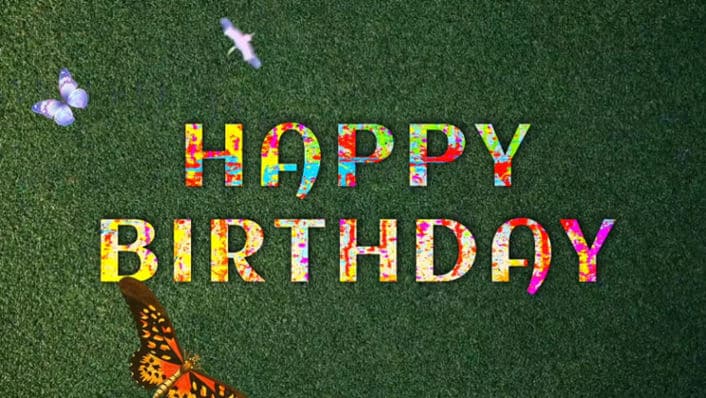
Introduction to Trending Birthday Reel Editing
Birthday reels have become one of the most popular ways to celebrate someone special on social media. Instead of posting a simple picture, people now create short, energetic, and emotional reels filled with music, transitions, and creative text animations. A well-edited birthday reel not only grabs attention but also makes the birthday person feel truly valued. With the help of Alight Motion, you can easily create professional and trendy birthday reels right from your smartphone. Alight Motion is known for its smooth keyframe animations, stylish effects, and advanced editing tools that help transform ordinary photos and clips into eye-catching short videos perfect for Instagram and other platforms.
Planning Your Birthday Reel Concept
Before opening Alight Motion, it is important to plan your birthday reel properly. Think about the vibe you want to create, whether it is fun and energetic, soft and emotional, or stylish and cinematic. Select high-quality photos and short video clips of the birthday person that highlight their best moments. Choose a trending song that matches the mood because music plays a major role in making reels engaging. Decide the order of your clips and the message you want to include, such as a heartfelt wish or a fun birthday shoutout. When you plan everything, the editing process becomes smoother, and the final result looks moreorganisedd and impressive.
Setting Up the Project in Alight Motion
Open Alight Motion and create a new project with a 9:16 aspect ratio since birthday reels are usually designed for vertical viewing. Set the duration according to the length of your selected music, typically between 15 and 30 seconds. Import your photos and video clips into the timeline and arrange them in a clean sequence. Adjust the timing of each clip to match the beat of the song for a more dynamic effect. You can add a simple background layer or gradient to make your visuals stand out. Proper setup at the beginning ensures that your reel flows smoothly from start to finish.
Adding Keyframe Animations and Effects
The key highlight of trending birthday reels is smooth animation, and this is where Alight Motion truly shines. Use keyframes to animate scale, position, and rotation of photos to create stylish movements like zoom-ins or slides. Add glow effects, motion blur, or light overlays to enhance the visual appeal without making it look overcrowded. Sync transitions and text animations with the music beats to create a professional touch. You can also use shake effects or velocity edits for a more energetic reel style. The right combination of smooth animations and subtle effects can make your birthday reel look modern and trendy.
Final Touches and Exporting the Reel
After completing your edits, preview the entire reel carefully to check timing, smoothness, and text clarity. Make sure the music volume is balanced,d and the animations feel natural. Adjust colours slightly if needed to give the reel a polished and vibrant look. Once you are satisfied, export the video in high resolution to maintain quality when uploading to social media. A well-edited trending birthday reel not only surprises the birthday person but also increases engagement and appreciation from viewers, making the celebration even more special.

Kartheek