
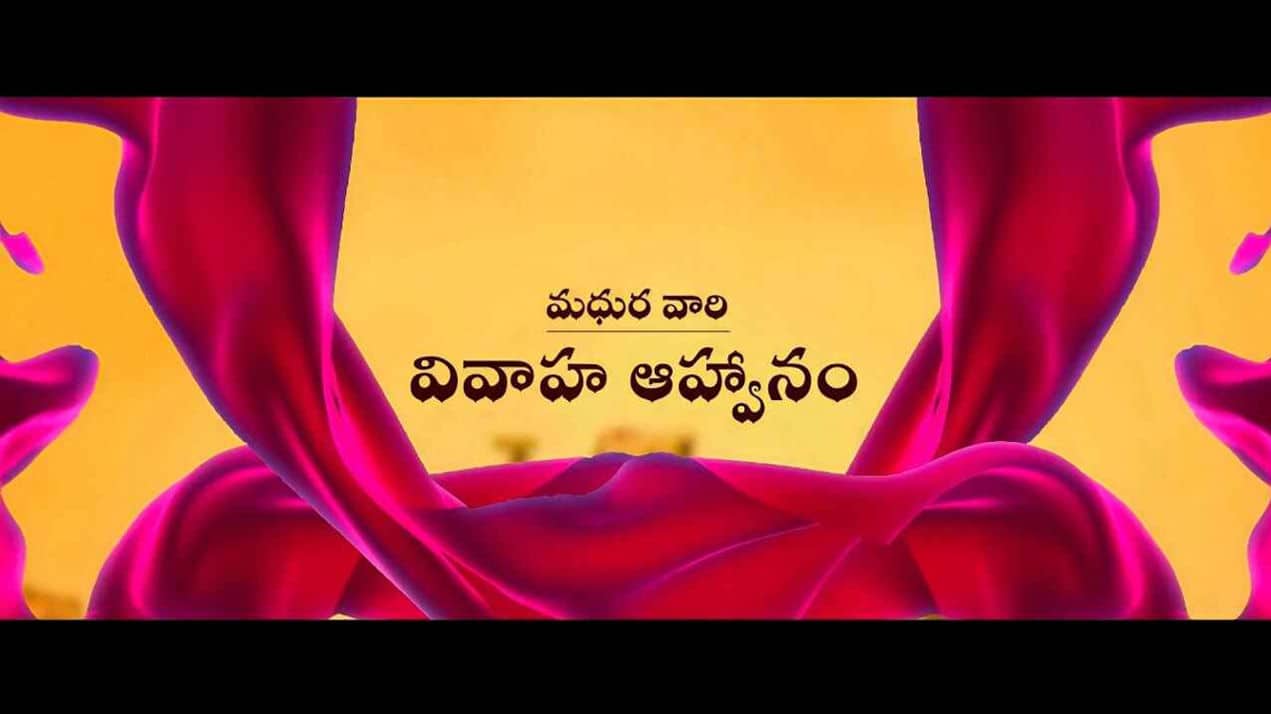
Creating a Traditional Telugu Wedding Invitation Video using Kinemaster is a beautiful way to blend culture with modern creativity. With the growing trend of digital invitations, video invites have become a popular choice, especially for weddings. In this tutorial, you will learn how to design an elegant Telugu wedding invitation video step by step using Kinemaster.
Step 1: Gather Your Materials
Before you begin editing, collect all the necessary elements. This includes traditional background images (like temple designs, floral patterns, or silk textures), bride and groom names, wedding details, and Telugu fonts. You may also want classical music or traditional instrumental tracks to enhance the cultural feel.
Step 2: Open Kinemaster and Set Project
Launch Kinemaster and tap on Create New Project. Choose the aspect ratio (16:9 is recommended for YouTube or sharing). Set a suitable background—preferably something traditional like a golden or maroon theme to reflect Telugu wedding aesthetics.
Step 3: Add Background and Layers
Import your chosen background into the timeline. Then, use the Layer option to add decorative elements such as mandala art, diyas, or flower garlands. Adjust their position and opacity to create a visually appealing composition.
Step 4: Insert Telugu Text
Tap on the Text option and enter your wedding details in Telugu. Include key elements like:
- Bride and Groom names
- Wedding date and time
- Venue details
- Family names
Choose a stylish Telugu font and adjust size, colour, and alignment. Gold or white text works beautifully on darker backgrounds.
Step 5: Add Animations and Effects
To make your invitation more engaging, apply animations. Use In Animation, Out Animation, and Overall Animation features in Kinemaster. Effects like fade, slide, or zoom can give a cinematic touch. Keep transitions smooth and not too flashy to maintain elegance.
Step 6: Include Music
Add a traditional Telugu wedding song or instrumental music. Tap on Audio and import your track. Adjust volume levels and trim the audio to match the video duration. Soft classical music enhances the emotional and cultural vibe.
Step 7: Add Transitions Between Scenes
If your video has multiple slides (like introduction, invitation message, venue details), use transitions such as dissolve or fade between clips. This ensures a seamless viewing experience.
Step 8: Final Preview and Export
Once everything is set, preview your video carefully. Check for spelling errors, alignment issues, or timing mismatches. After final adjustments, tap on Export and choose high quality (1080p recommended).
Tips for Better Results
- Use high-resolution images for clarity
- Stick to a consistent colour theme
- Avoid overcrowding the screen with too much text
- Keep the video duration between 0 and 60 seconds
Conclusion
Designing a Traditional Telugu Wedding Invitation Video in Kinemaster is simple yet creative. With the right combination of visuals, text, and music, you can create a memorable digital invite that beautifully represents your culture and celebration. Practice and experiment with different styles to make your invitation truly unique.

Mahi