
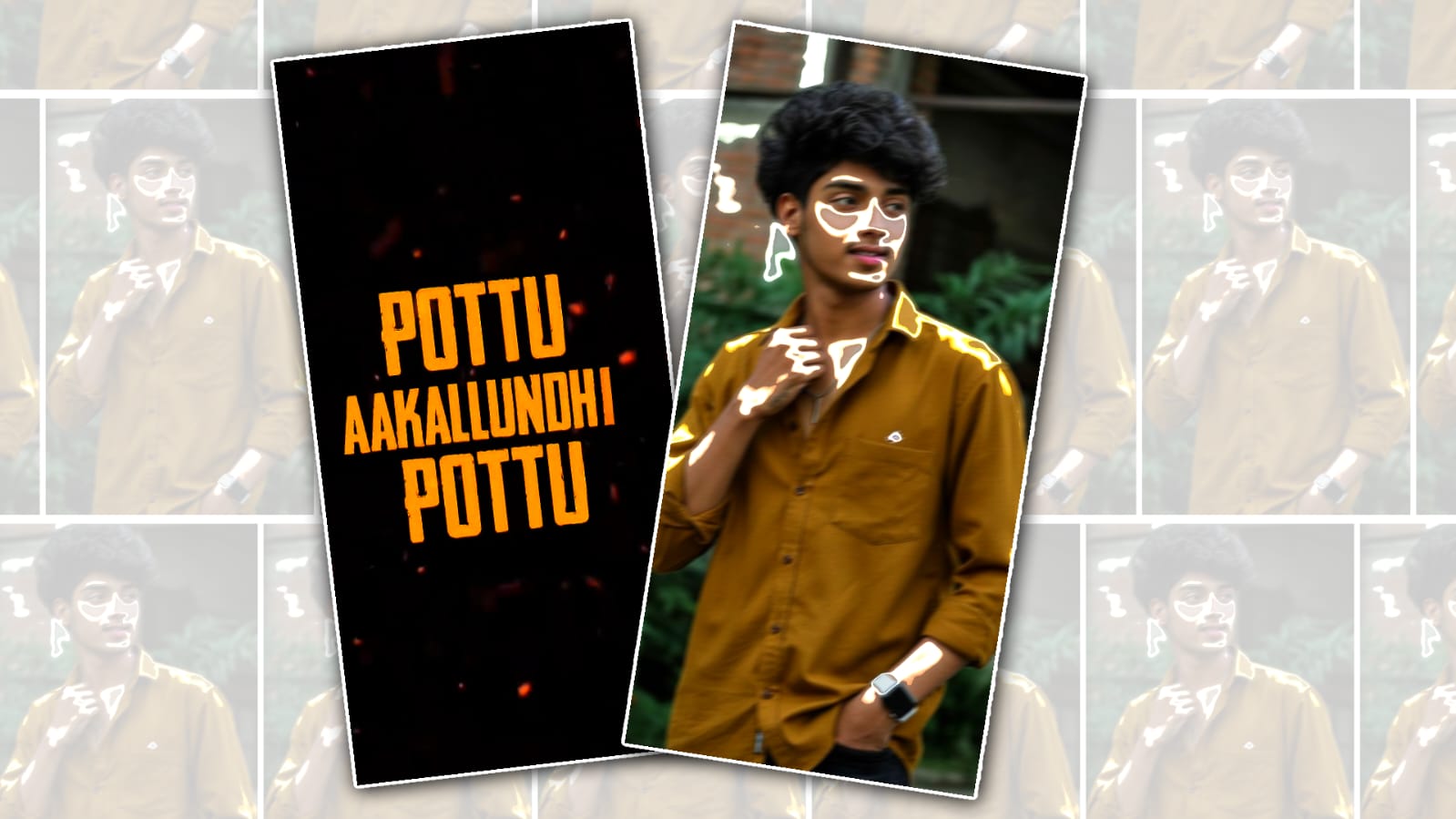
Instagram Trending Reel Video Editing in Alight Motion
Instagram Reels have completely changed the way we create and consume short videos, especially after the massive rise of short-form content inspired by platforms like Instagram and TikTok. Today, trending Reel edits are all about smooth transitions, eye-catching effects, perfectly synced beats, and that cinematic vibe that instantly grabs attention within the first three seconds. If you’ve been scrolling lately, you’ve probably noticed those fast-cut velocity edits, aesthetic colour grading, and glow effects that make even a simple clip look professional. The good news is, you don’t need expensive software or a high-end PC to create these edits. With just your smartphone and the powerful features inside Alight Motion, you can produce Instagram trending Reels that look just as polished as viral creators. Alight Motion has become afavouritee among Reel editors because it offers advanced tools like keyframe animation, motion blur, blending modes, and custom effects—all in a mobile app. This means you can control every movement, zoom, and transition frame by frame, giving your videos that dynamic and smooth flow viewers love.
Why Alight Motion Is Perfect for Trending Reels
One big reason Alight Motion stands out for Instagram Reel editing is its flexibility and creative freedom. Unlike many basic editing apps, it allows you to animate almost anything using keyframes, which is the secret behind those popular zoom-in, zoom-out, shake, and spin transitions you see in trending edits. When editing a Reel, timing is everything, especially when you are syncing clips to music beats. Alight Motion makes beat syncing easier by letting you manually adjust layers with precision, so every transition hits exactly on the drop. This is especially important for trending audio clips on Instagram, where viewers expect clean, satisfying transitions. The app also supports high-quality export settings, ensuring your Reel maintains clarity after uploading. Since Instagram sometimes compresses videos, exporting in the right resolution and bitrate can help preserve sharpness and reduce quality loss. All these features together make Alight Motion one of the best choices for creators who want to grow their presence with professional-looking Reels.
How to Create a Trending Reel Edit Step by Step
Creating a trending Instagram Reel in Alight Motion usually starts with selecting the right audio because trends often revolve around specific songs or dialogue clips. After importing your video clips, the next step is trimming them according to the beat of the music and adding keyframes to create smooth motion effects. Most viral edits use velocity effects, which speed up and slow down clips to create dramatic impact. In Alight Motion, you can achieve this by adjusting the graph editor for smoother curves instead of harsh speed changes. Adding motion blur enhances the realism of fast movements, making transitions feel more natural and cinematic. Colourr correction is another crucial step because consistent tones make your Reel visually appealing and professional. Many creators also add light leaks, overlays, and subtle shake effects to give that energetic, trendy look. The final step is reviewing the entire edit to ensure transitions are smooth and perfectly synced before exporting in high quality for upload.
Tips to Make Your Reel Go Viral
Editing is important, but strategy also plays a huge role in making your Instagram Reel trend. Posting consistently, using relevant hashtags, and choosing currently popular audio can significantly increase visibility. The first few seconds of your Reel should instantly capture attention, whether through a bold transition, dramatic movement, or engaging expression. Keep your edits clean and avoid overusing effects, as too many filters or shakes can distract viewers. Most importantly, focus on storytelling even in short clips because emotional or relatable content often performs better than random edits. With creativity, practice, and smart use of Alight Motion’s tools, you can transform simple footage into a scroll-stopping Instagram trending Reel that attracts views, likes, and followers organically.
