
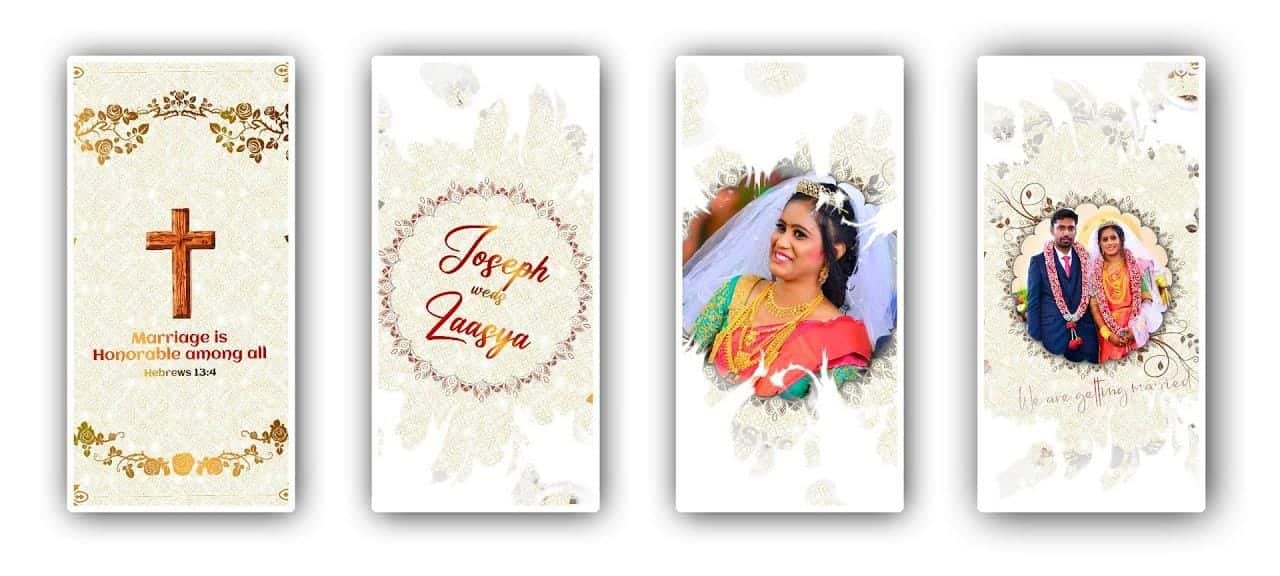
Introduction to Engagement Invitation Video Editing
Creating an engagement invitation video is a beautiful and modern way to announce your special day to friends and family. Instead of sending only traditional printed cards, many couples now prefer digital invitations that feel more personal and creative. With the help of KineMaster, you can design a stunning engagement invitation video right from your smartphone. This app makes video editing simple, even for beginners, while still offering professional-level features. In this tutorial, I will guide you through the complete process in a natural and easy way so you can confidently create a memorable invitation video that reflects your love story.
Planning Your Engagement Invitation Concept
Before you start editing in KineMaster, it is important to plan your video concept. Think about the mood you want to create, whether it is romantic, elegant, traditional, or modern. Choose high-quality photos or short video clips of the couple that capture genuine emotions and happy memories. Decide on the engagement details you want to include, such as names, date, venue, and a heartfelt invitation message. Planning saves time and helps you maintain a smooth flow throughout the video. When you have a clear idea in mind, editing becomes much easier and more enjoyable.
Setting Up Your Project in KineMaster
Open KineMaster and create a new project by selecting the aspect ratio based on where you plan to share the video, such as 16:9 for YouTube or 9:16 for Instagram and WhatsApp. After setting the ratio, import your selected photos and video clips into the timeline. Arrange them in the order you want them to appear, starting with a lovely introduction scene, followed by the couple’s moments, and ending with the engagement details. KineMaster’s simple interface allows you to drag and adjust clips easily, so you can experiment with the sequence until it feels perfect.
Adding Music and Transitions
Music plays a major role in setting the emotional tone of your engagement invitation. In KineMaster, you can add background music by selecting an audio file from your device or the built-in library. Choose a soft romantic song that complements the visuals and enhances the feeling of love and celebration. Adjust the volume and trim the music to match the video length. To make your video look smooth and professional, add gentle transitions between clips, such as fade or dissolve effects. These subtle touches create a seamless flow and make your invitation more visually appealing.
Designing Text and Final Export
The text in your engagement invitation video is essential because it shares the important details with your guests. Use KineMaster’s text tool to add the couple’s names, engagement date, venue, and a warm invitation message. Select elegant fonts and colours that match your theme, and apply simple animations to make the text more attractive. After reviewing everything carefully to ensure there are no mistakes, export the video in high resolution for the best quality. Once completed, your engagement invitation video will be ready to share with loved ones, creating excitement and joy for your upcoming celebration.

Beay mark ledhu