
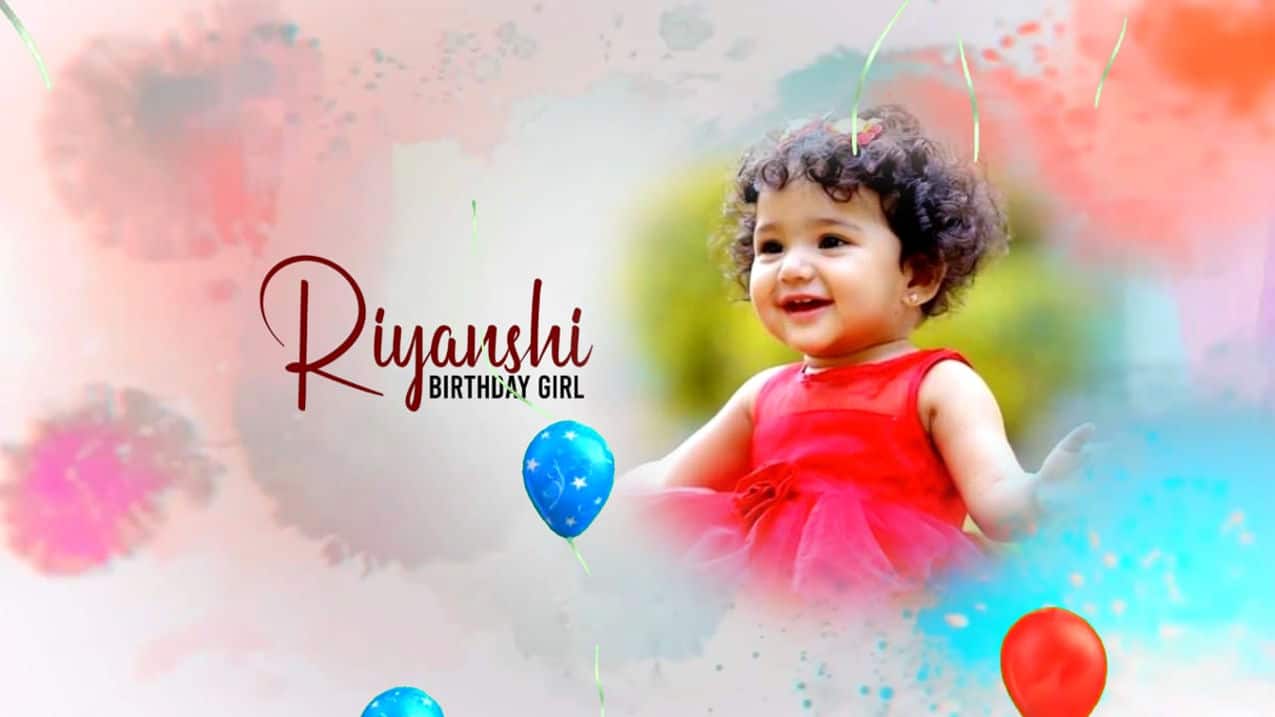
Introduction to Birthday Invitation Video Editing
Creating a birthday invitation video is a fun and creative way to invite friends and family to celebrate a special day. Instead of sending a simple text message or printed card, a video invitation adds excitement and gives a personal touch that feels more memorable. With the help of KineMaster, you can easily design a beautiful birthday invitation video right from your smartphone. KineMaster is beginner-friendly but also powerful enough to create professional-looking edits with smooth transitions, music, and animated text. In this tutorial, I will explain the process simply and naturally so you can confidently create your own birthday invitation video without feeling overwhelmed.
Planning Your Birthday Invitation Concept
Before opening KineMaster, it is important to plan your birthday invitation video properly. Think about the theme of the birthday party, whether it is colourful and playful for kids, elegant and stylish for adults, or fun and energetic for a surprise celebration. Gather high-quality photos or short video clips of the birthday person that reflect happy and memorable moments. Decide on the details you want to include,e such as the name, age, date, time, venue, and RSVP information. Choosing a cheerful background song that matches the mood of the celebration will also make a big difference. When you plan everything clearly in advance, the editing process becomes smoother and more enjoyable.
Setting Up the Project in KineMaster
Open KineMaster and create a new project by selecting the appropriate aspect ratio, usually 9:16 for WhatsApp status or Instagram stories and 16:9 for YouTube. Import your selected photos and video clips into the timeline and arrange them in a logical order. You can start with an eye-catching intro, followed by fun moments of the birthday person, and end with the party details and invitation message. Adjust the duration of each clip to maintain a lively and engaging pace. KineMaster’s simple drag-and-drop interface allows you to trim, rearrange, and adjust clips easily until the sequence looks perfect.
Adding Music, Transitions, and Text
Music brings life to your birthday invitation video, so add a cheerful or trending song that matches the party vibe. Adjust the volume so it complements the visuals without overpowering the message. Apply smooth transitions like fade, slide, or zoom effects between clips to create a professional flow. When adding text, use bright and stylish fonts to display the birthday details clearly. You can animate the text with simple fade-ins or pop-up effects to make it more attractive. Make sure the text remains readable and stays on screen long enough for viewers to understand the information comfortably.
Final Touches and Exporting the Video
After completing your edits, preview the entire video carefully to check for spelling mistakes, timing issues, or uneven audio levels. Make small corrections if needed, and ensurethe colourss look vibrant and consistent throughout. Once you are satisfied with the final result, export the video in high resolution so it looks clear and sharp on all devices. Your birthday invitation video is now ready to share with friends and family, creating excitement and making the celebration feel even more special before the big day arrives.

Ayan M