
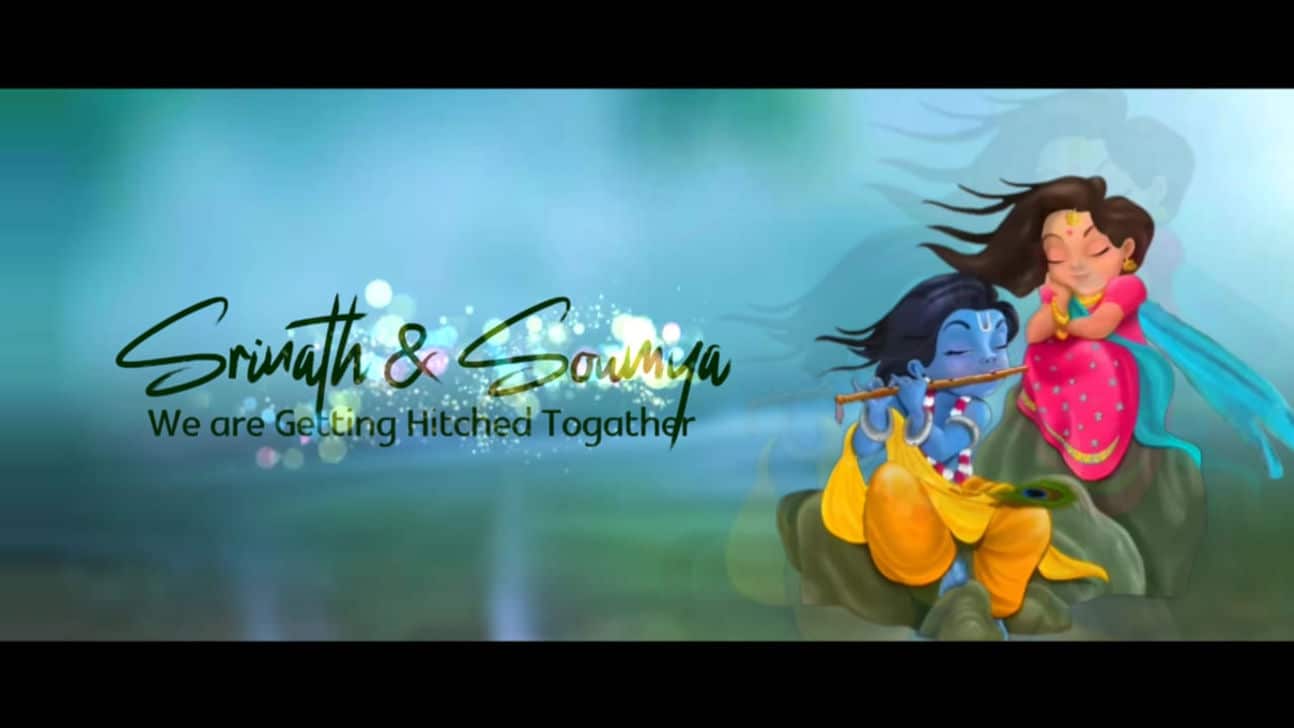
Professional Krishna Theme Wedding Invitation Tutorial in Kinemaster
Introduction to Krishna Theme Wedding Invitation Video
Creating a Krishna theme wedding invitation video is a beautiful way to blend devotion, tradition, and celebration into one meaningful presentation. Many couples who admire the grace and charm of Krishna choose this theme to give their wedding invitation a divine and cultural touch. Instead of sending a regular card, a video invitation allows you to include spiritual music, temple visuals, peacock feathers, flute elements, and soft golden tones that reflect the essence of Lord Krishna. With KineMaster, you can create a professional and elegant wedding invitation directly from your smartphone without needing advanced technical skills. This tutorial will guide you through the complete process in a simple and human-friendly way so you can design a stunning Krishna-themed wedding invitation video.
Planning Your Krishna Theme Concept
Before opening KineMaster, take some time to plan your concept carefully. Decide the overall mood of your video, whether you want it to feel devotional, royal, soft, or cinematic. Collect high-quality images or short video clips of Krishna artwork, temple backgrounds, peacock feathers, flutes, and floral decorations that match the theme. Choose a soothing devotional song or instrumental bhajan that enhances the spiritual atmosphere. Prepare the wedding details including the bride and groom names, wedding date, venue, and a heartfelt invitation message. When you have all elements ready, the editing process becomes smooth and organized, and your final output looks more professional and meaningful.
Setting Up the Project in KineMaster
Open KineMaster and create a new project by selecting the appropriate aspect ratio depending on where you plan to share the invitation, such as 16:9 for YouTube or 9:16 for social media stories. Import your selected images and video clips into the timeline and arrange them in a proper sequence, starting with a divine Krishna introduction scene, followed by the couple’s names, wedding highlights, and ending with the full invitation details. Use background layers with soft golden or pastel tones to create a spiritual ambiance. Adjust the duration of each clip so the video flows gracefully without feeling rushed. A well-arranged timeline is the foundation of a cinematic and professional-looking wedding invitation.
Adding Music, Effects, and Text Design
Music plays a powerful role in setting the devotional tone of your Krishna theme wedding invitation. Add a soft bhajan or instrumental track and adjust the volume to create a balanced audio experience. Apply smooth transitions like fade or dissolve effects to maintain an elegant flow between scenes. You can enhance the video by adding subtle overlays such as glowing light effects, floating petals, or sparkles to give a divine touch. When adding text, choose elegant fonts with gold or white colors to match the theme. Animate the text gently with fade-ins or slide effects so it appears graceful and easy to read. Proper text design and soft effects make the invitation look polished and spiritually beautiful.
Final Review and Exporting the Invitation
Once your editing is complete, carefully review the entire video to check for spelling errors, timing issues, or uneven transitions. Make sure the devotional visuals, music, and text blend harmoniously to create a peaceful and celebratory feeling. After final adjustments, export the video in high resolution to maintain clarity and sharpness on all devices. When you share your professionally edited Krishna theme wedding invitation with family and friends, it will not only invite them to your wedding but also reflect your devotion and cultural values in a truly elegant way.
💠Videos & Photos Click Here
💠Font Click Here
