
Introduction to Birthday Status Video Editing
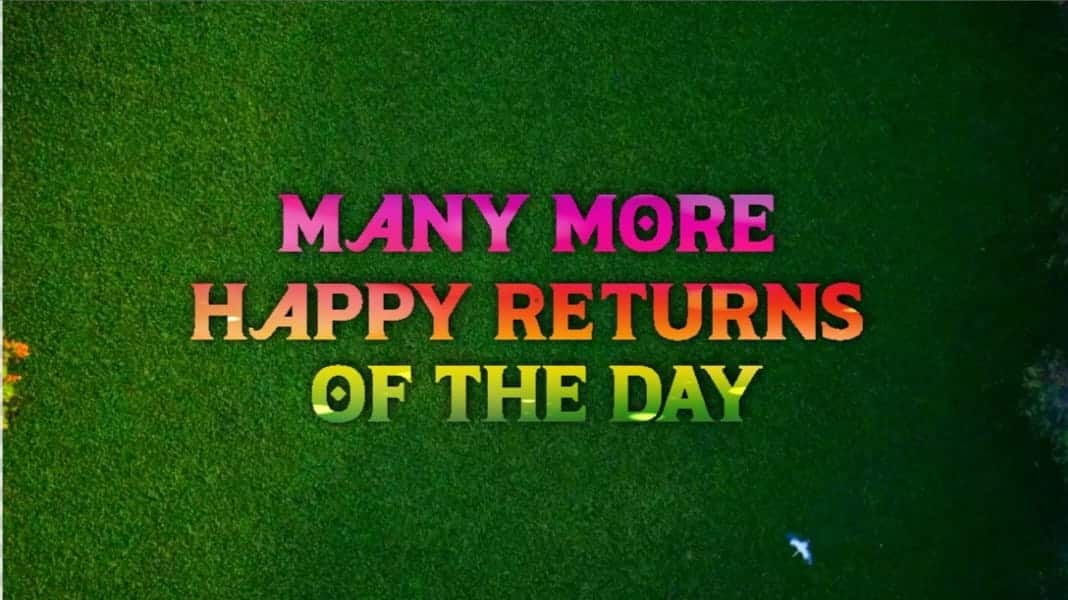
“Many More Happy Returns of the Day” is one of the most commonly used and heartfelt birthday wishes, and turning this simple line into a creative status video makes it even more special. Instead of sending a plain text message, a beautifully edited birthday status video can express emotions in a more meaningful and memorable way. With the help of Alight Motion or KineMaster, you can easily create stylish and eye-catching birthday status videos directly from your smartphone. These apps provide smooth animations, text effects, and transitions that help transform a simple birthday wish into an engaging short video perfect for WhatsApp or Instagram stories.
Planning Your Birthday Status Concept
Before you start editing, it is important to plan the overall look and feel of your status video. Think about whether you want it to be emotional, energetic, romantic, or fun, depending on the personality of the birthday person. Select a few meaningful photos or short clips that highlight happy memories. Choose a trending or soft background song that matches the mood of your message. Since status videos are usually short, keep the duration between 15 and 30 seconds so it remains engaging and easy to watch. Having a clear idea before editing will save time and help you create a smooth and attractive final result.
Setting Up the Project and Adding Media
Open your preferred editing app and create a new project with a 9:16 aspect ratio because status videos are designed for vertical viewing. Import your selected photos or video clips into the timeline and arrange them in a neat sequence. Start with a simple intro, then show the best moments, and finally highlight the “Many More Happy Returns of the Day” message in a prominent way. Adjust the duration of each clip so it matches the rhythm of your chosen music. A clean andwell-organisedd timeline makes the editing process easier and ensures your video looks professional.
Adding Text Animations and Effects
The main focus of this type of status video is the birthday message, so text design plays a very important role. Add the line “Many More Happy Returns of the Day” using a stylish and readable font. Apply smooth animations such as fade-in, slide, or zoom effects to make the text visually appealing. You can enhance the video with subtle glow effects, light leaks, or soft colour filters to create a warm and festive atmosphere. Try syncing text animations with the music beats to make the video feel more dynamic and trendy. Simple yet elegant effects often work better than overcrowding the screen with too many elements.
Final Review and Exporting the Status Video
After completing the editing, preview your video carefully to check timing, spelling, and smooth transitions. Make sure the text is clearly visible,e and the music volume is balanced properly. If needed, adjust brightness and colours slightly to give the video a polished look. Once you are satisfied with the final result, export the video in high quality so it appears sharp on social media platforms. Your “Many More Happy Returns of the Day” status video is now ready to share, spreading joy and making someone’s birthday even more special.
